Test a Website Backup Without Replacing Your Live Site
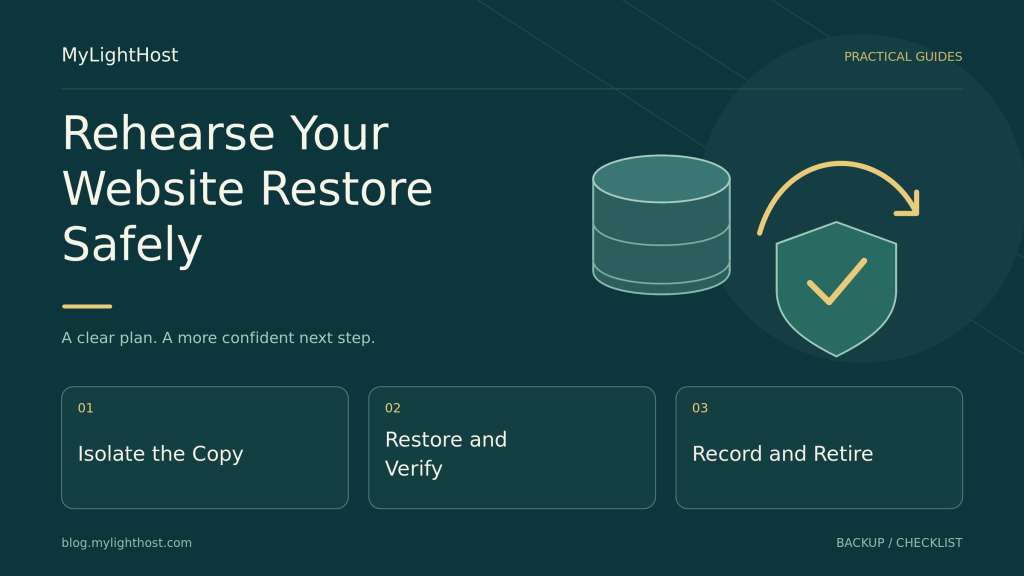
A backup needs a restore rehearsal. Set recovery targets, rebuild a private copy, disable external actions, and check whether your files, content, and logins work…

Choose a hosting plan, compare server options and prepare a website migration with clear responsibilities and practical checks.
A backup needs a restore rehearsal. Set recovery targets, rebuild a private copy, disable external actions, and check whether your files, content, and logins work…
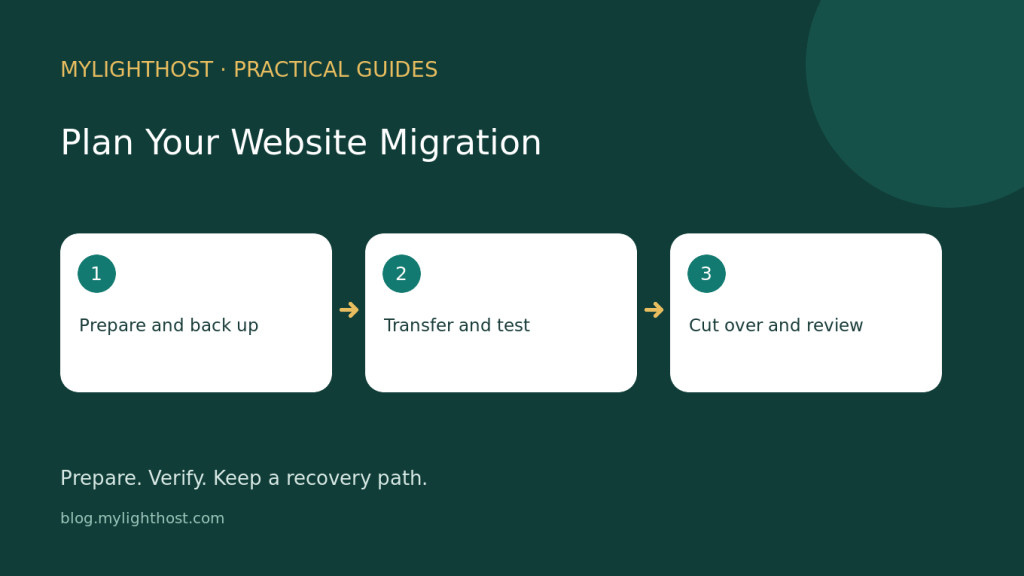
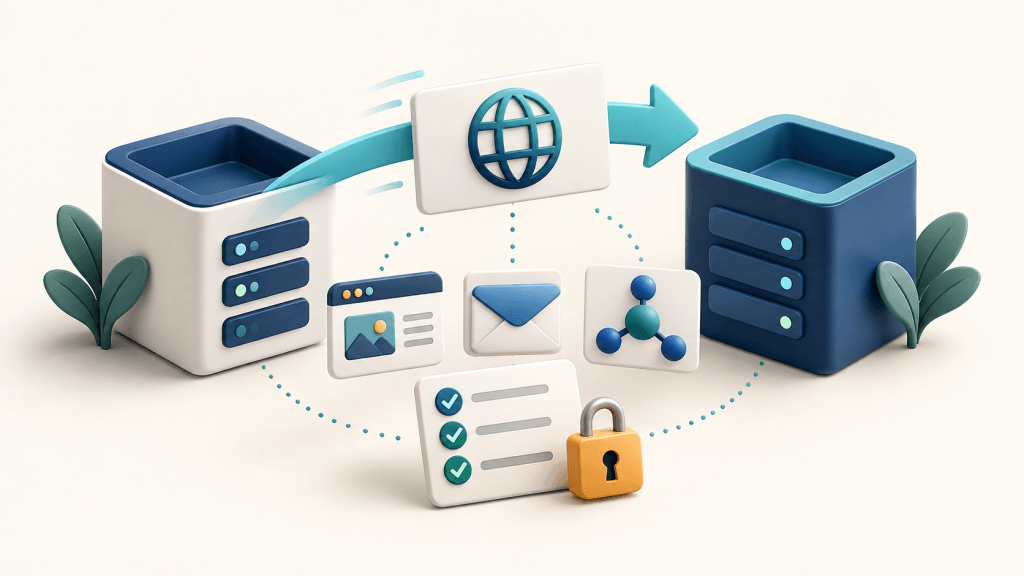
A website move needs a recoverable backup, a tested destination and clear ownership. Use this checklist to prepare your files and database, confirm email arrangements…
Use a workload worksheet, a side-by-side comparison and three practical examples to decide whether shared hosting or a VPS fits your website.
A registrar transfer, a DNS change and a website migration are different jobs. Use this checklist to plan the move and verify your website and…
Choose the right support department, describe your issue safely and track replies in the MyLightHost client area.
Check your order-specific refund terms, prepare the right references and submit a clear MyLightHost billing request.
Understand hosting storage, unlimited bandwidth and application resources, then choose a MyLightHost plan that fits your website.
Plan a website migration with a clear scope, verified backups, DNS and email checks, a final data sync and a practical rollback window.
Compare SaaS and self-hosted websites by maintenance responsibilities, integrations, data exports and ongoing costs before you migrate.
Define who handles server updates, monitoring, backups, recovery and application support. Use a responsibility checklist before choosing managed hosting.