
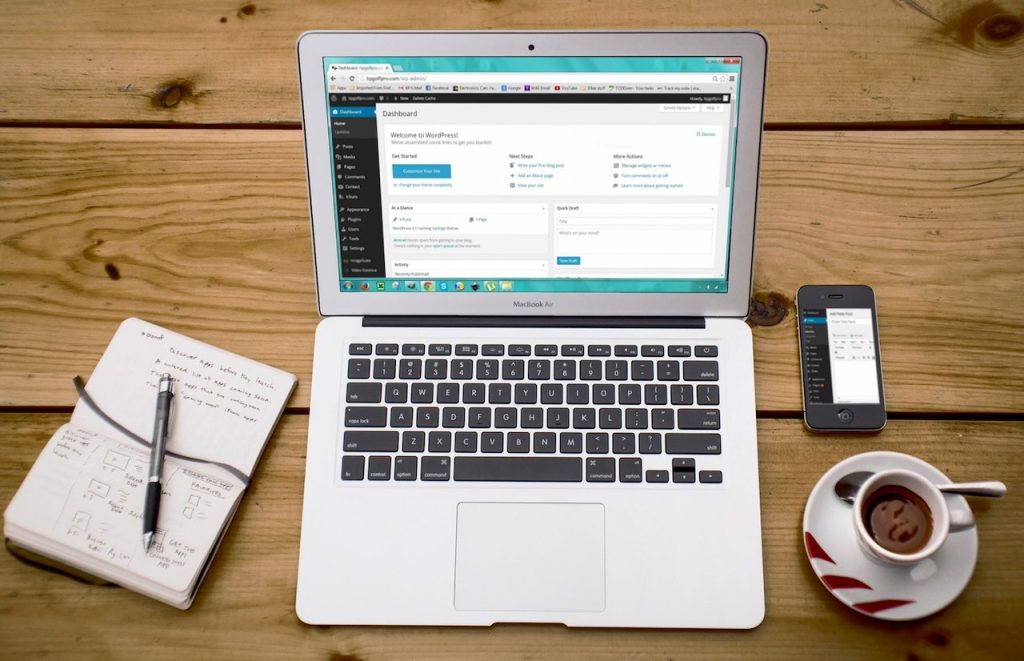
WordPress is open-source software for publishing and managing websites. It stores your content, provides an administration area and works with a theme to present pages to visitors. You can use it for a blog, company website or a more specialized site built with additional components.
Understand the main parts
- Core: the underlying WordPress application, including publishing and user-management features.
- Theme: the presentation and layout of the site.
- Plugins: optional functionality, such as a form or store. Each installed plugin adds something you must maintain.
- Content: posts, pages and media that you publish and organize.
- Hosting: the environment that runs the application and stores its files and database.
The official WordPress features overview describes publishing, media, themes, plugins and community support. You do not need a plugin for every idea; start with the features your visitors actually need.
Separate WordPress software from a hosted service
WordPress.org distributes the software and provides project resources. With a self-hosted installation, you arrange a suitable hosting service and decide who maintains the site. WordPress.com is a hosted service whose capabilities depend on its current plan. Check those terms directly rather than assuming that every plan has identical plugin or customization rules.
The software’s availability without a license charge does not make a working website cost-free. Budget for the domain, hosting, any commercial themes or plugins, ongoing maintenance and the time needed to produce useful content.
Plan a small first website
- List the pages a visitor needs to understand the business and take the intended next step.
- Choose a domain your business can retain and manage. Use the domain selection checklist.
- Compare hosting by application support, backups and maintenance responsibilities, not just an introductory price.
- Choose one maintained theme and only the plugins required for the initial site.
- Prepare clear text and appropriately sized images before publishing.
- Test navigation, search, forms, mobile layout and account recovery.
Expect ongoing responsibilities
Someone must review updates, monitor backups, control user access and check the site after changes. A managed hosting plan may cover some tasks, but its scope should be explicit. Our hosting comparison explains how those service labels overlap.
WordPress helps you publish, but it does not guarantee search rankings or solve every design problem automatically. Start with a useful, understandable website and use the security and maintenance checklist to keep it dependable.