Critical PHP Security Update: October 2026 Website Checklist
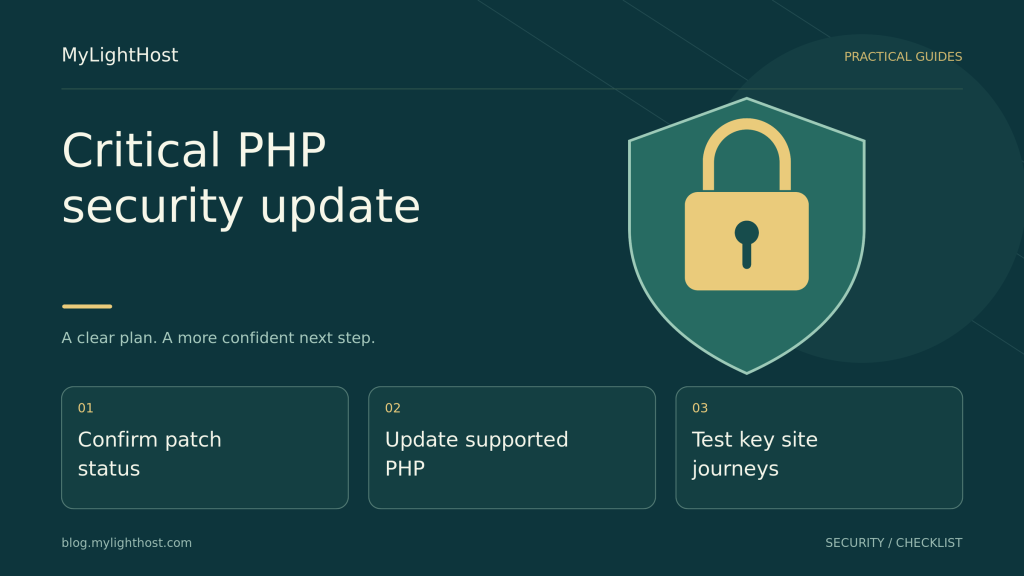
PHP released urgent fixes on 21 October 2026 for two critical remote-code-execution vulnerabilities. Here is how to check patch status, handle older PHP branches and…

Practical steps for hosting, WordPress, domains, security and performance.
PHP released urgent fixes on 21 October 2026 for two critical remote-code-execution vulnerabilities. Here is how to check patch status, handle older PHP branches and…
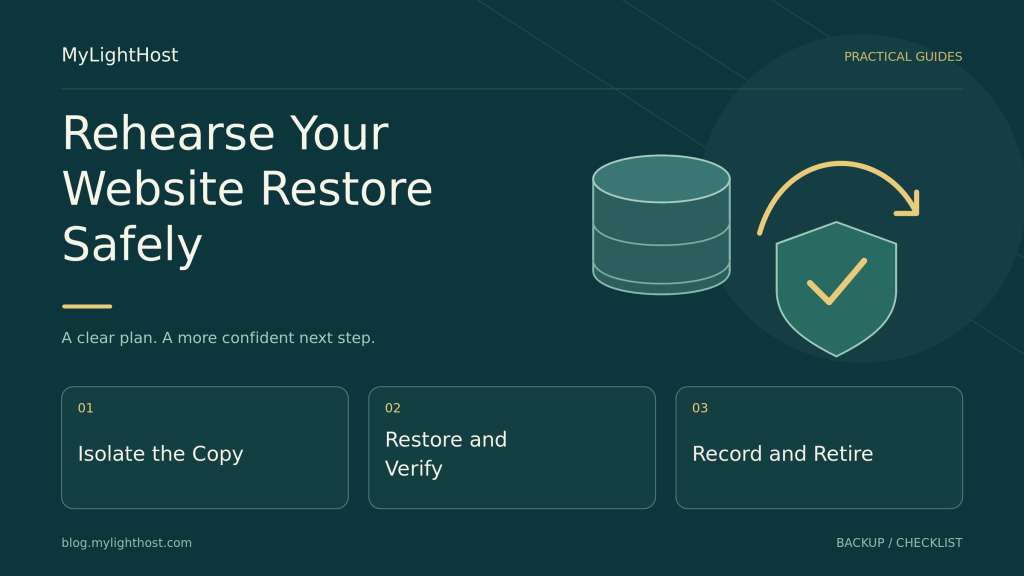
A backup needs a restore rehearsal. Set recovery targets, rebuild a private copy, disable external actions, and check whether your files, content, and logins work…
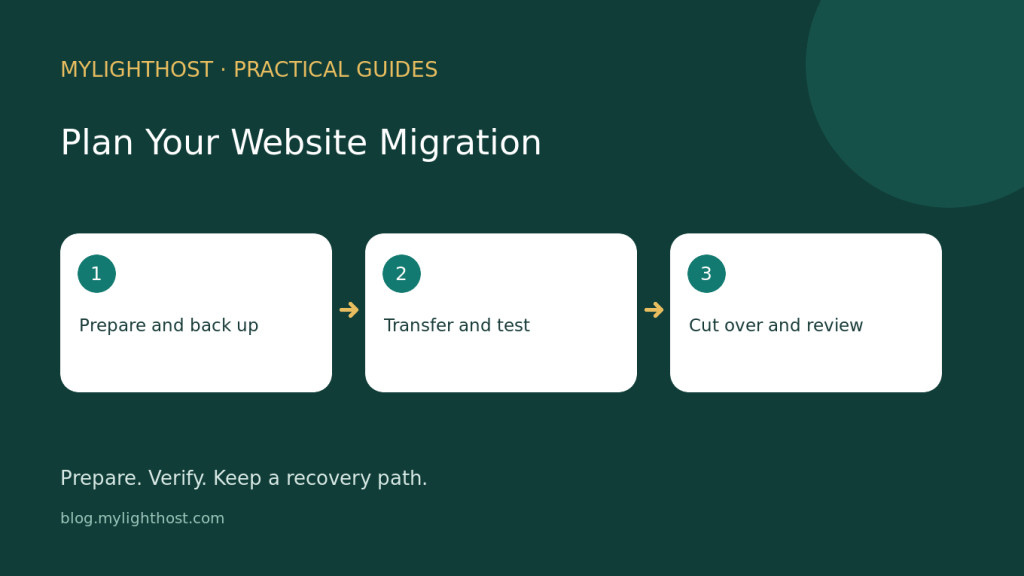
A website move needs a recoverable backup, a tested destination and clear ownership. Use this checklist to prepare your files and database, confirm email arrangements…
Use a workload worksheet, a side-by-side comparison and three practical examples to decide whether shared hosting or a VPS fits your website.
A registrar transfer, a DNS change and a website migration are different jobs. Use this checklist to plan the move and verify your website and…
Choose the right support department, describe your issue safely and track replies in the MyLightHost client area.
Check hosting backup coverage, keep a separate recovery copy and plan a website restore without losing newer data.
Check your order-specific refund terms, prepare the right references and submit a clear MyLightHost billing request.
Understand hosting storage, unlimited bandwidth and application resources, then choose a MyLightHost plan that fits your website.
Choose a domain extension by comparing the full name, your audience and ongoing renewal terms—not just the first-year offer.